

Chris Manning
Here are some commands for the OS X Mail server you may find useful:
Show mail queue:
This command flushes the mail queue:
To re-queue the mail queue:
To see what’s in the mail queue:
To delete everything in the mail queue
If you’ve got lots in there it will take some time. You might benefit by stopping the mail service first.
Stopping the mail service:
Restart the service:


Leave A Comment
Related Posts
Category: Hardware

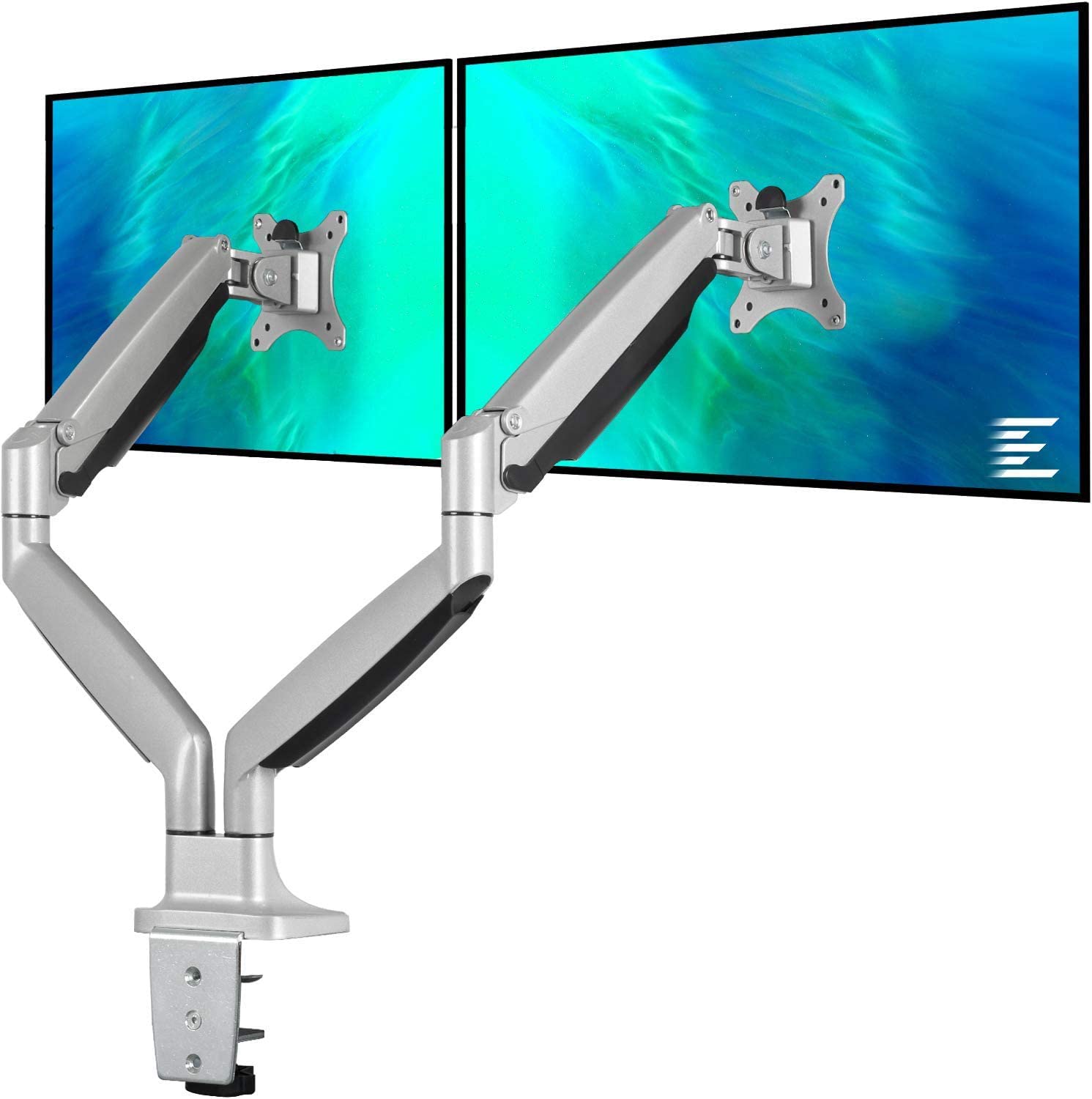
This EleTab Dual Monitor Mount stand gives you back your desk by eliminating the stands from both of your monitors. This EleTab Dual Monitor [...]
Category: Hardware

I've been a fan of Dell monitors for a while now, currently I use three Dell Monitors connected to a Mac mini. Two of them [...]
Category: General

A client had been maintaining their own WordPress website and decided to update the Elementor Pro plugin. Now, the site had not been touched [...]


